There’s one core problem with most user guides:
They’re written as if the reader wants to read a manual.
In reality, people just want to get something done and close the tab.
So let’s start with a question you should always ask first:
What kind of guide are you writing?
There Are Two Types of Guides — Don’t Mix Them Up
Most manuals fall into two broad categories:
- Task-based (procedural)
- Descriptive (reference)
They solve different problems.
And they follow very different logic.
Task-Based Guides: From Problem to Solution
A task-based guide is built around a specific goal:
- Washing colored laundry
- Sending an invoice to a new client
- Setting up IPTV through a router
The reader isn’t looking for knowledge.
They’re asking one thing:
“What do I do right now to make this work?”
This type of guide should be a simple sequence:
Do this → then this → get result.
Why Task-Based Guides Work
Because they:
- Don’t require prior knowledge
- Don’t require understanding how the system works
- Just walk the user through step by step
The person doesn’t need to know what an IP address is.
They just want the screen to turn on.
Complexity Depends on Audience and Context
The same product may need multiple guides.
In a set-top box package, there’s a one-page leaflet:
Plug this into that.
If that doesn’t work, the average user won’t dive into router settings.
They’ll call a technician or ask “that one relative who knows tech.”
For them — there’s a full 120-page manual online
with all the network protocols and debug codes.
That’s fine.
Not every manual should serve every user.
Great Task-Based Guides Teach Without Lecturing
Their hidden strength?
They don’t just show what to do — they hint at why.
Instead of:
“Connect the cables.”
Try:
“Label the cables — so you don’t mix them up later.
Some TVs have multiple identical ports, and it’s easy to forget which is which.”
Or:
“Don’t change the router password.
If you ever need support, a technician can still connect via cable.”
You’re not adding complexity.
You’re making the process human.
Explain What’s Happening — Not Just What to Click
Even in step-by-step guides, it helps to pause and explain why something matters.
Instead of:
“Disable the ATM interface.”
Try:
“Your router is trying to connect through a phone line.
But your provider uses cable.
This setting disables the wrong mode.”
Once people understand the logic, the guide stops being a magic spellbook.
Descriptive Guides: From Interface to Understanding
Descriptive guides work the opposite way.
They don’t answer:
“What should I do?”
They answer:
“What is this button? What does this menu do?”
They’re organized:
- by menus
- by buttons
- by features
They’re useful when:
- Button functions aren’t obvious
- There are hidden settings
- Pressing the wrong thing has serious consequences
A Clear Case for Descriptive Guides
Take the Reset button.
- One press = reboot
- Two presses = factory reset
- Long press = firmware wipe
Without a clear explanation,
users will learn this the hard way.
You Don’t Choose the Type — You Choose the Use Case
It’s not about which type is better.
It’s about why someone opened the help section.
- Are they stuck and need a fix? → Task-based
- Are they exploring product features? → Descriptive
- Are they looking for one specific option? → Short contextual note
Most products need both.
Guidelines That Almost Always Work
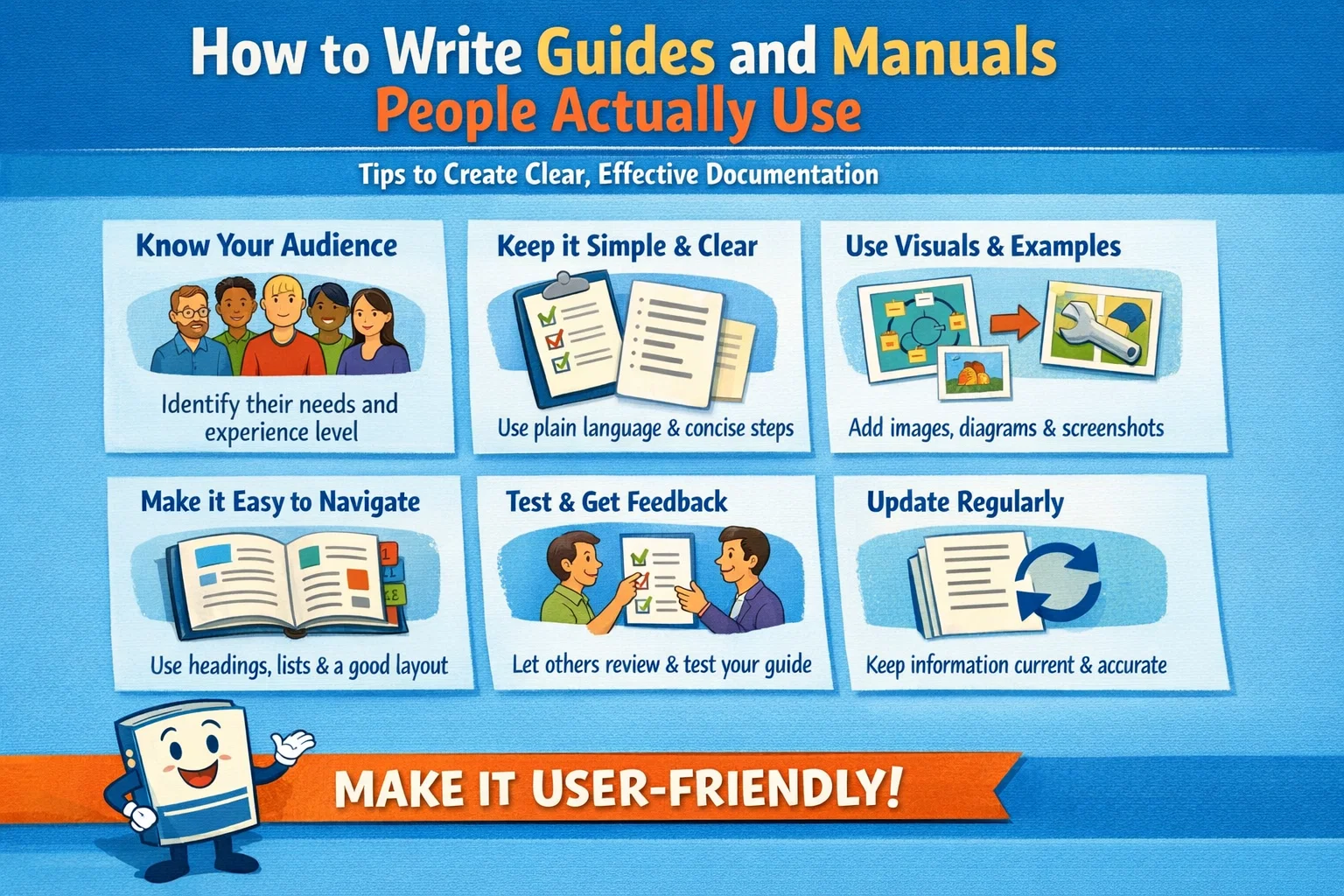
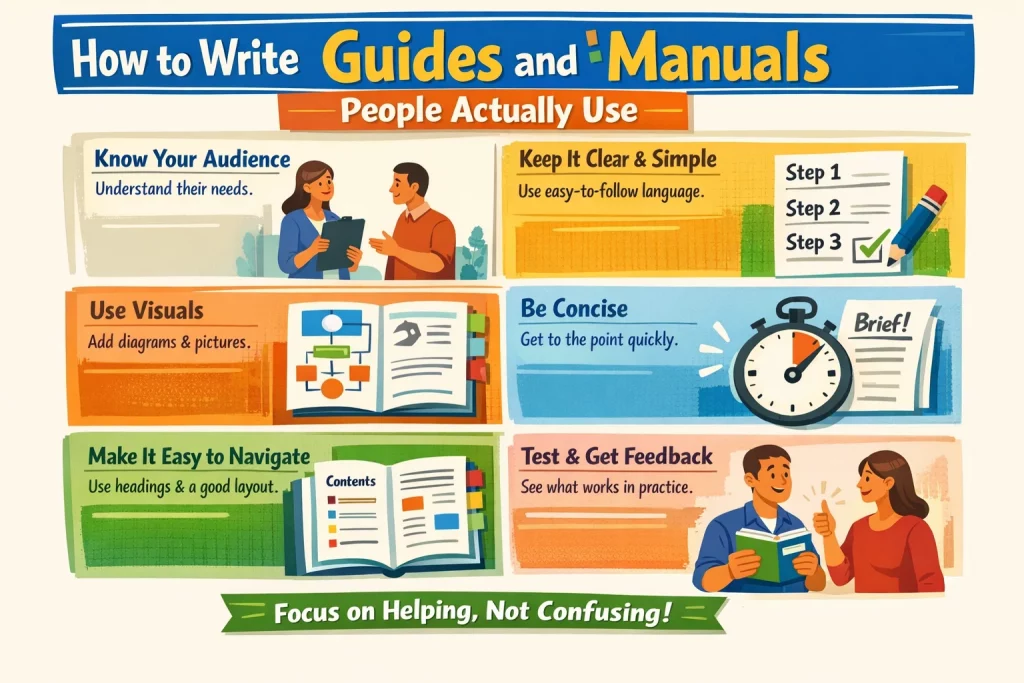
🎯 Know your audience
“How do I run the script?” → beginner
“What can this script do?” → developer
⚡ Think about context
The reader might be tired, annoyed, or in a rush.
Now’s not the time for clever phrasing or big words.
🖥️ Keep help close to the product
- One good screenshot beats three paragraphs.
- A tooltip is better than a PDF download.
🔍 Show examples
Describe a feature? Show how it works in practice.
🧱 Use consistent formatting
If steps follow the same pattern — keep them visually identical.
Final Thought
A great manual isn’t just documentation.
It’s an extension of the product — helping the user succeed
without feeling dumb.
If they finish the guide and think:
“Okay, got it.”
—you’ve done your job.